
Tutorial
The whole arc, in the order you meet it. Perihel opens in its console: the autopilot flies the ship, G takes manual control, and Settings lists every key and holds “Switch to the classic HUD”. On the classic HUD the game also coaches you in-flight one step at a time — this is the version you can read ahead of it, or come back to when something stops making sense. Steps marked WALLET need a connected wallet; everything else works as a guest.
1 · Getting in
Perihel runs in the browser. There is nothing to install, and you can start without a wallet.
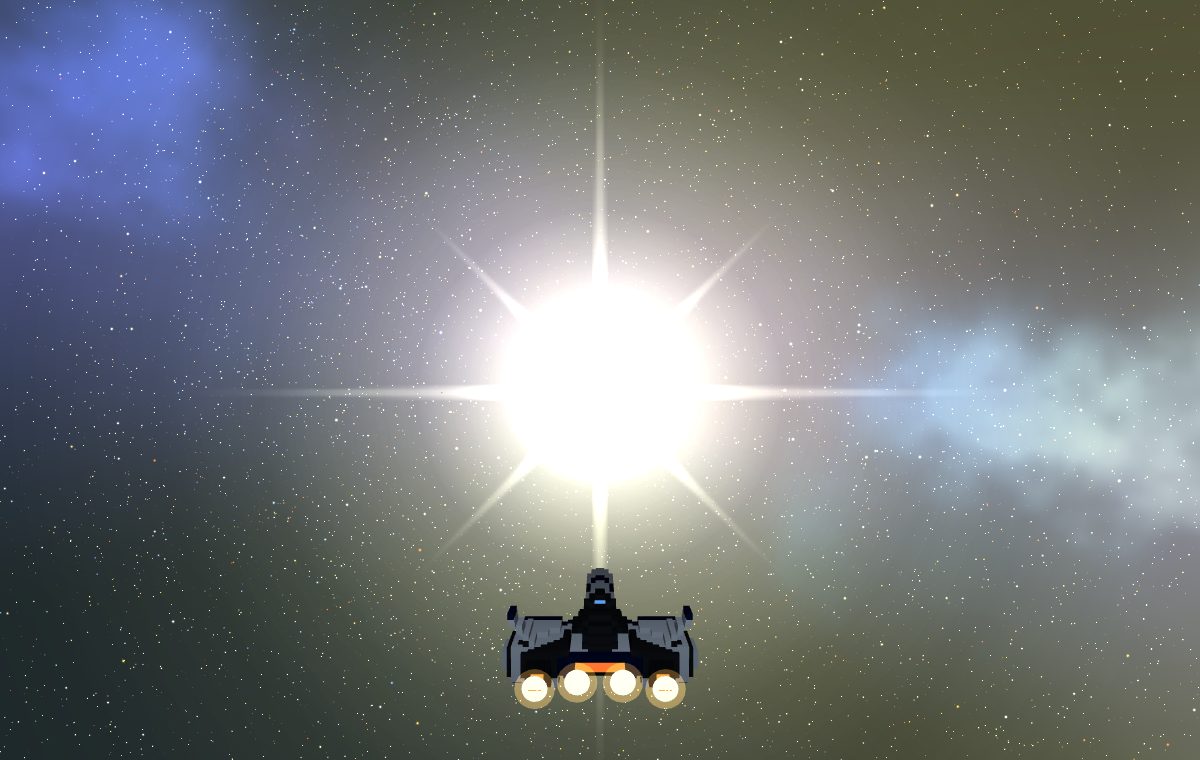
- Choose how to enter
Press PLAY and you are offered two doors: connect a Solana wallet, or play as a guest. Guests fly the whole galaxy — the parts that need an identity (mining, claiming, trading, comms) are hidden rather than shown as buttons that fail. You can connect later without losing your place.
- Sign in once, not every visit
Connecting a wallet asks for one signature. That is a sign-in, not a transaction — it moves no funds and costs no gas. It then lasts: refreshing the page, restarting the browser, or coming back days later will not ask again until you have been away about a month.
2 · Flying
Flight is the half of the game that needs nothing from anyone. Learn it first.
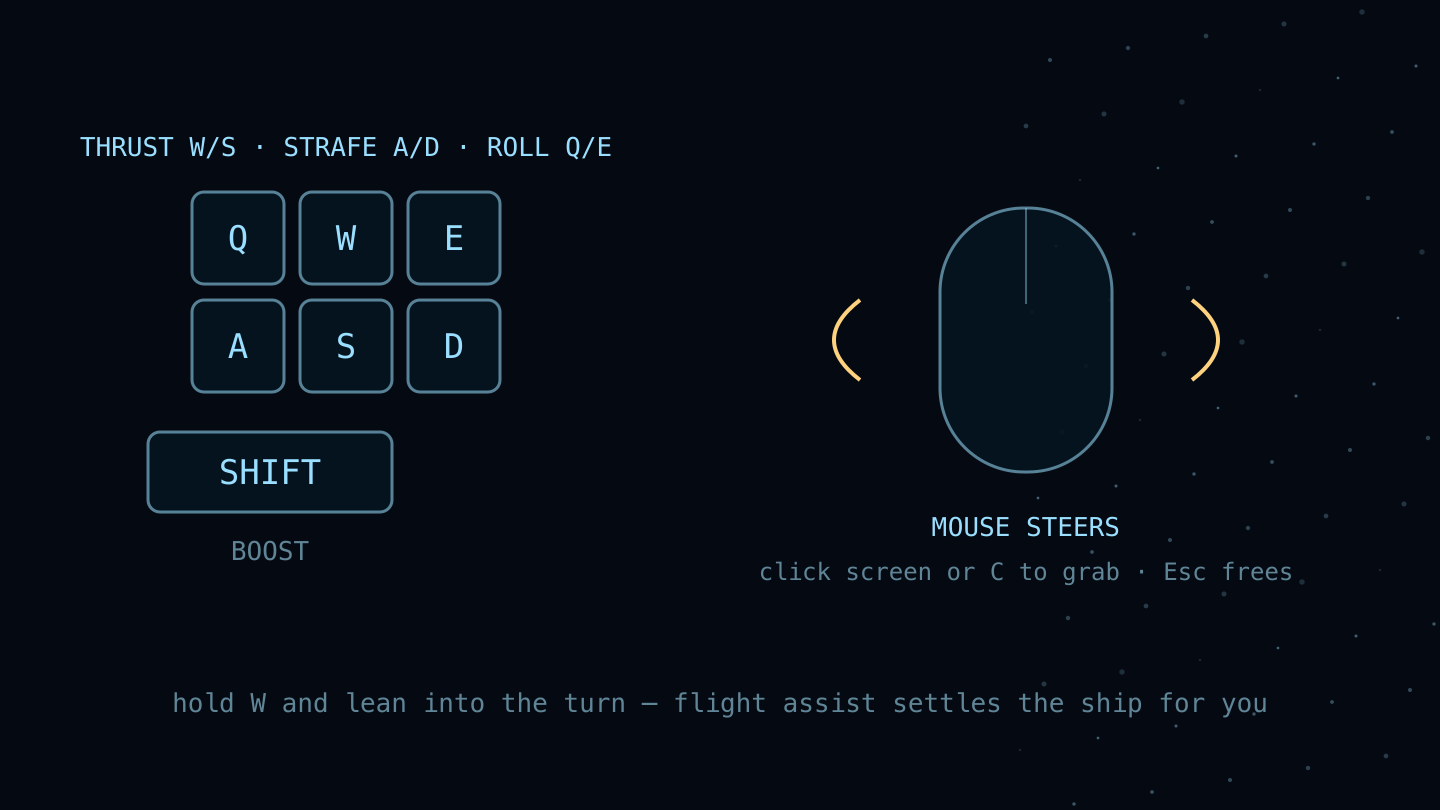
- Steer with the mouseC
Click the view or press C to take the stick. The ship turns toward the steering cursor; moving it farther from center turns faster. Bring it back to the center ring to fly straight. C frees the cursor for panels. Hold right-click to look around, then release to recenter.
- Move with the keysWSADQE
W and S thrust forward and back, A and D strafe sideways, Q and E roll, and SHIFT boosts. The mouse decides where the nose points; these decide where the ship goes. Hold W and lean into a turn — flight assist settles the ship for you.
- Set a throttle
Throttle is a dial, not a pedal: set it and the ship holds that speed. The flight readout in the bottom-left shows your speed, your throttle percentage, and what the drive is doing.
- Cross the system with supercruiseSPACE
Normal thrust is for manoeuvring; supercruise is for distance. SPACE engages it. Approaching a large body drops you out automatically with a proximity alert — that is the drive working, not breaking. Use it to get from the star to a planet in seconds rather than hours.
3 · Finding your way
Two maps: one for this system, one for the galaxy.
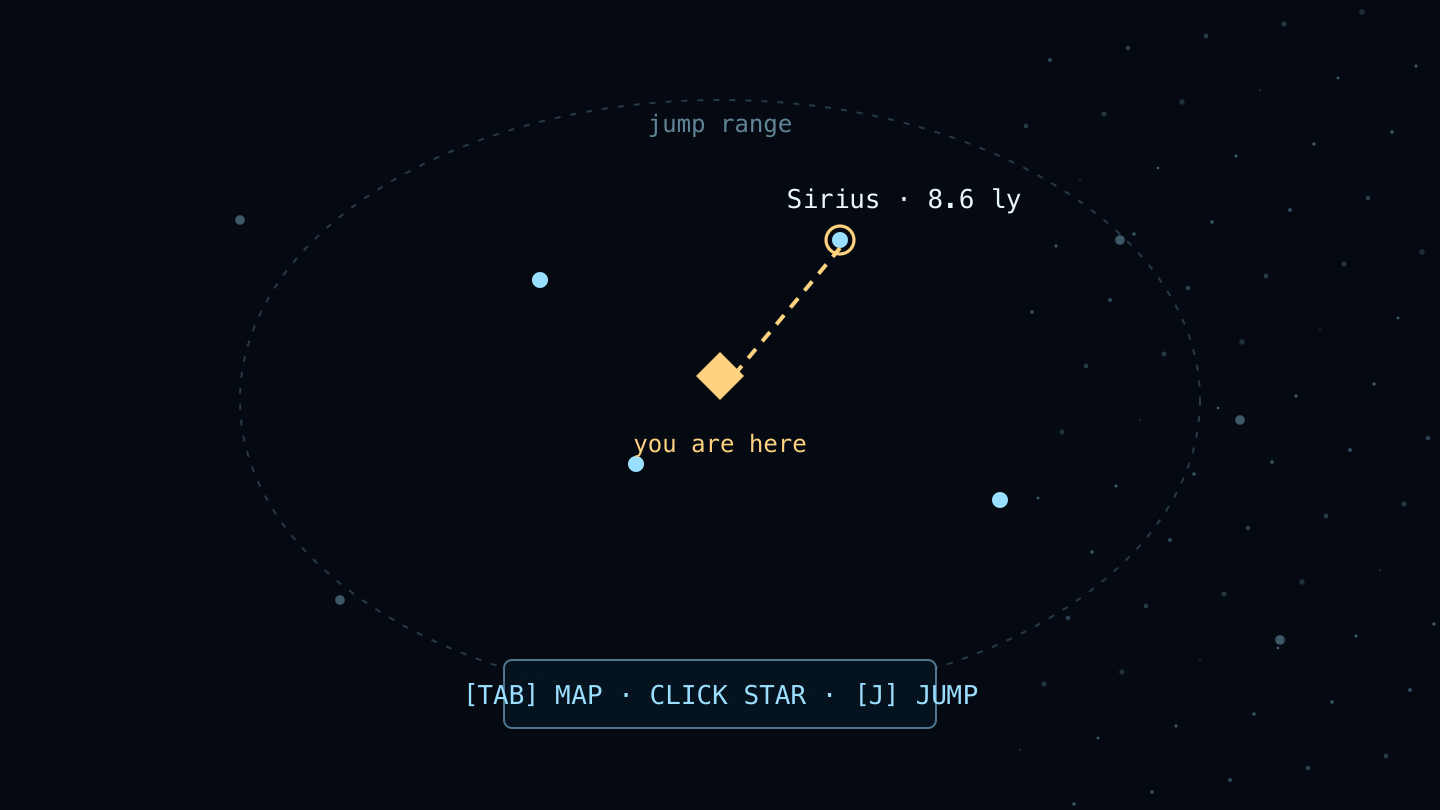
- Read the systemN
The system map lists every body around you, how far it is, and whether anyone owns it. Bodies nobody has scanned show as UNKNOWN WORLD — that is an invitation, not an error.
- Pick a starTAB
The star map is the galaxy. Only stars inside your jump range can be selected as a destination; the in-range list on the right is the short version of that. Real stars carry their real catalogue names — Proxima Centauri, Barnard’s Star, Wolf 359 — because they are real stars.
- JumpJ
With a destination selected, J charges the hyperspace drive and jumps. This is how you leave a system. Everything you are carrying comes with you.
4 · Surveying worlds
From here on a wallet is required — surveying writes a result the whole galaxy can see.
- Scan what you are looking atVWALLET
Put a body in your sights and press V. Scanning sweeps the system and surveys the world in front of you, turning UNKNOWN WORLD into a named world with a known archetype and rarity. As a guest the button explains it needs a wallet rather than doing nothing.
- Judge what you foundWALLET
Rarity runs common, uncommon, rare, ultrarare, exotic, and it is steeply weighted — most worlds are common and roughly one in a hundred is exotic. Rarity is the thing worth hunting: it drives how a world looks and whether it is worth claiming.
5 · Landing and mining
Where resources come from, and the first thing that earns you money.
- LandWALLET
Approach a landable world and land. You drop into its surface — terrain, colour and water all generated from that specific world’s recipe, so what you saw from orbit is what you stand on.
- Mine a nodeRWALLET
Deposits sit on the surface as nodes, shaped by family so you can read them at a distance. Mine one and its yield goes to your cargo hold. Nodes deplete permanently — they do not grow back.
- Watch your holdWALLET
Cargo capacity is finite. Thirteen resources exist across seven families, and the precious and radioactive ones are worth more per unit of space than stone is — a full hold of the wrong thing is a wasted trip.
6 · Making it pay
Turn cargo into scrip, and scrip into a better ship.
- Sell to the vendorWALLET
The vendor buys resources for scrip, the in-game currency. Quotes expire, and there is a daily cap on new scrip, so the market cannot be farmed flat in an afternoon.
- Trade with other playersWALLET
The marketplace is a station service — land at a station and walk to its counter. It is player-to-player, for resources and modules. Listing escrows the goods — they leave your hold until the listing sells or you cancel it — so a listed item cannot be sold twice.
- Fit modulesIWALLET
The hangar is the station shipyard — dock and walk to it; your hold itself opens anywhere with I. The hangar is where modules go on the ship. Ranks run C, B, A, S, X from worst to best, matching the five rarity tiers. Your lander rank is what gates which worlds you are allowed to claim, so this is the path to the good ones.
7 · Claiming a world
The end of the loop: put your name on a planet, permanently.
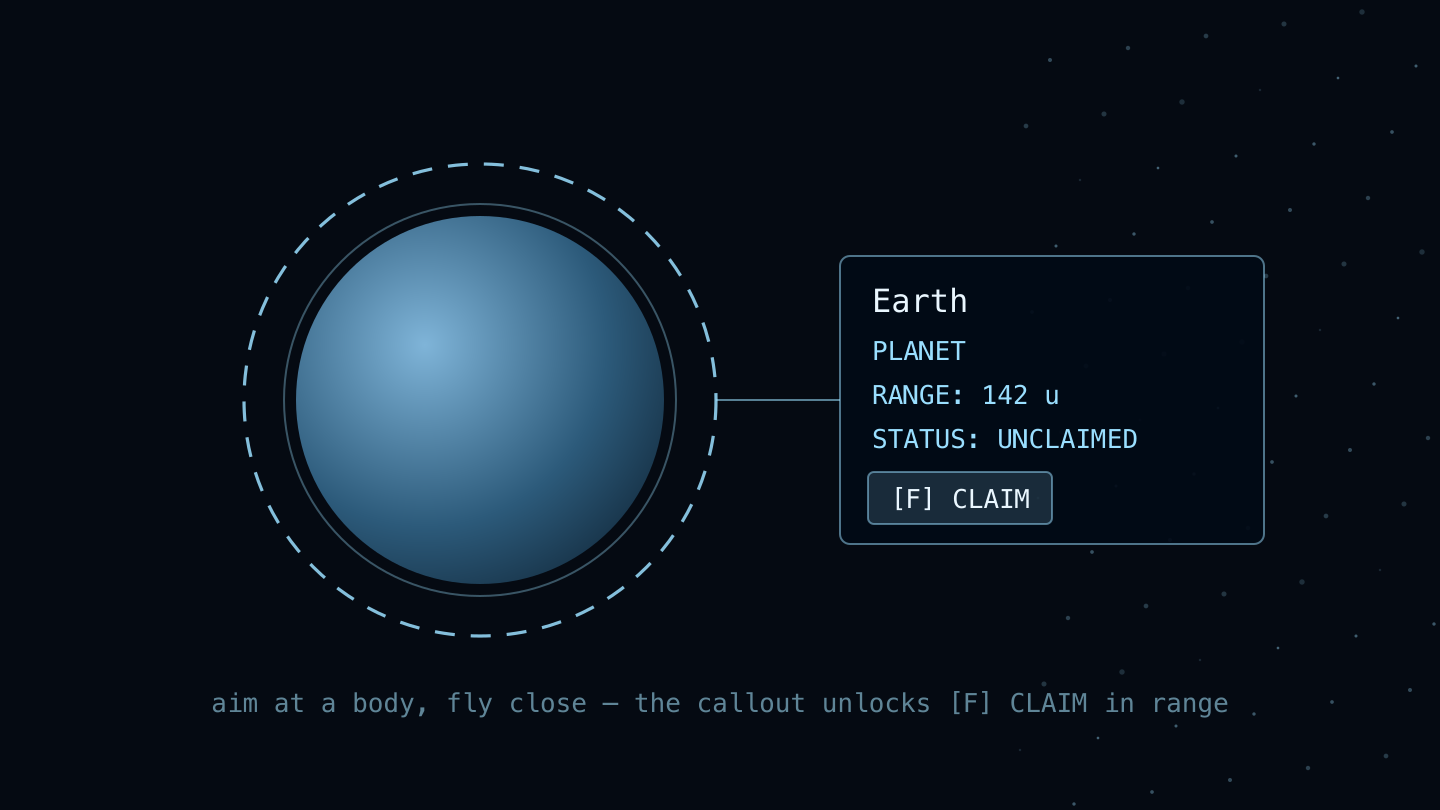
- Claim itWALLET
Claiming a body mints its deed to your wallet as a Metaplex Core NFT, with generated art of that world. This one IS a real transaction and asks your wallet to sign it. Stars and landmark worlds like Luna are protected and cannot be claimed.
- Know what you own
The station registry indexes every claimed world by rarity — yours and everyone else’s. It needs no wallet, so anyone can browse what has been taken. Deed art is permanent and never re-rendered.
- Keep your wallet safe
A deed mints for real and is genuinely yours to hold or to sell. Perihel never needs your seed phrase, so anyone asking for it is stealing from you — read every transaction your wallet shows you before you approve it.
8 · Other people
The galaxy is shared.
- See who is hereWALLET
The top bar counts the explorers in your current system. Everyone in a system shares one room. If it is full you join as a spectator — you see them, they do not see you — and you are promoted as soon as a slot frees.
- TalkENTERWALLET
Comms is system chat with the people around you. Voice is a separate, holder-gated room.
- Or do notWALLET
Ghost mode hides you from other players while leaving them visible to you. It is a multiplayer setting, so it needs a signed-in wallet.
9 · Everything else
The small keys worth knowing.
- Photo modeO
Hides the HUD so you can frame and capture what you are looking at. Worth remembering the first time you make orbit around something strange.
- SoundM
Mutes and unmutes everything — engines, interface and ambience together. The HUD shows SOUND · OFF while muted, so a silent game is never a mystery.
- The full controls deckH
Every binding the game has, at any time, without leaving flight. If you remember one key from this page, make it this one — it contains the rest.
Stuck?
Press H for every binding, at any time: in the console it opens Settings, which lists them, and on the classic HUD the full controls deck. Unfamiliar word? The glossary in the docs defines all of them — it says “docs” because that is where it lives, rather than sending you somewhere the link did not admit to.